

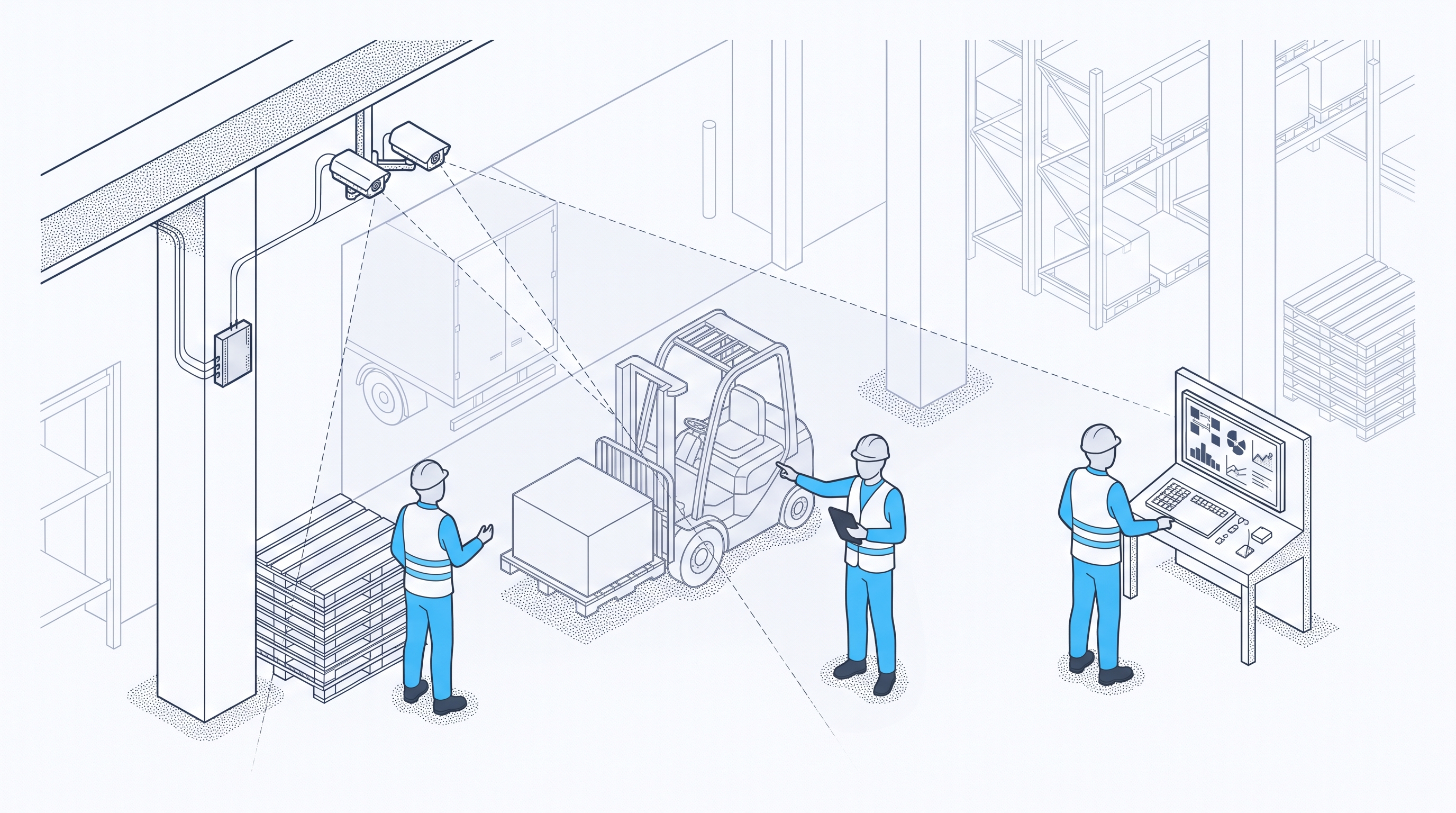
A site intelligence platform fits a site when it measures the processes that matter first, counts results the same way on every shift, gets evidence to supervisors in the tools they already use, states the site time set-up needs, and leaves decisions with the site team. The 12 questions below test each of those.
A platform can run a clean demo on sample footage and still fit a live site poorly. Shifts, layouts, and standard work on a real site differ from the demo, and those differences show up once the platform runs on real shifts.
The questions are written for operations, plant, and environment, health, and safety (EHS) leads choosing a platform. IT security, data flow, and retention questions belong to a separate IT review, which can run alongside this list.
The 12 questions run in four stages:
- The first four cover scope and measurement: which processes come first, and how results are counted.
- Questions 5 and 6 compare the same task and the same area from one shift to the next.
- Questions 7 to 10 follow evidence to supervisors and list what the site supplies before go-live.
- The last two set limits on data about people and name who reviews flagged events.
Which Processes Come First
The first processes a platform covers decide how soon the site sees evidence it can use. A long capability list can hide a slow start, so these two questions ask what gets measured first on this site and how coverage grows from there.
1. Which Processes Are Covered on Day One?
Ask which processes the platform covers on day one and which wait for a later phase. A broad feature list says little about what will be measured in the first month on this site, and each early workflow should tie to a problem the site already tracks.
A strong answer names the first two or three workflows for this site, such as downtime at one line, flow at the docks, or adherence at one station, with the cameras and zones each one needs. A full capability list with no order and no link to the site's own problems is the weak answer.
2. Can Coverage Grow Without Starting Over?
Ask if the platform can start on part of a site and add lines, areas, or cameras later. Starting in one area lets a site prove value before funding more.
The vendor should explain how new zones and event types get added, which set-up steps repeat, and how results from the first area stay comparable with later ones. An all-or-nothing rollout, or growth that needs a fresh project each time, signals a poor fit.
How Results Get Counted
Evidence helps only when every shift and every area counts it the same way. Two shifts that define a stop differently produce figures nobody can compare, and a forecast can pass for a measured result. The next two questions check the definitions behind each event and where each figure comes from.
3. Which Metric Does Each Event Feed?
Each event type should feed one operating metric, such as downtime minutes, dwell time, units per hour, or adherence rate. If a stop or a congestion event means different things on different shifts, comparisons between them break down.
Look for a written definition of every event, the metric it feeds, and one counting rule for all shifts. Event counts with no definition behind them give a buyer nothing to check.
4. Which Results Were Measured, and Which Were Modeled?
A return-on-investment model can help with planning, but it shows a projection. Buyers should know which figures came from measurement at a live site and which came from a model or a forecast.
Ideally, each figure is marked as measured or modeled, and the measured ones come with the site, the period, and what was counted. Headline percentages with no site, period, or method fall short.
Shift-to-Shift Differences
One task often runs differently on nights, weekends, and peak shifts, and manual audits rarely see those shifts. A platform that reports only a site average can hide the shift where the problem sits. These questions test how a platform shows work and flow across the full working week.
5. Can the Platform Compare One Task Across Shifts?
Drift from standard work often sits in the shifts audits sample least, so process compliance across shifts needs evidence from all of them. Ask how the platform shows one task on each shift and how it reports the difference.
Shift-by-shift reporting at process level, using the same definitions as question 3, is the answer to look for. A single site average that hides shift differences falls short, and so does reporting that drops to the level of a person.
6. Can It Show Flow Over a Full Shift?
Docks, aisles, and intersections jam in patterns that build over hours. A platform should show flow and congestion across one area over a full shift, beyond single events.
Hour-by-hour views of dwell time, travel paths, and congestion in each configured zone, compared across shifts, give a team the pattern. The same view also shows if a layout or staffing change moved it. Event snapshots with no time pattern leave the team guessing.
Getting Evidence to Supervisors
Evidence changes nothing until the person who can act on it sees it in time. A detection that reaches a supervisor after the shift ends turns into a report. Questions 7 and 8 test the delay and the route from detection to action.
7. How Long Does a Detection Take to Reach Someone Who Can Act?
A supervisor can clear a blocked lane or correct a recurring unsafe condition only if the alert arrives while it still affects the shift. Ask how long a detection takes to reach that person, and how the vendor measures the delay.
Expect a stated delay measured on live sites, the route each alert takes, and who receives it on each shift. Protex's on-site operational alerts arrive in near-real-time, roughly 15 to 20 minutes. Claims of instant alerts with no measured figure behind them are the weak answer.
8. Do Results Reach the Tools Supervisors Already Use?
A new dashboard that nobody opens on the floor adds work and changes nothing. Ask if supervisors would work in a new screen, or if results reach the tools and meetings they already use.
The vendor should show where results appear in the daily routine, such as shift handover, the daily stand-up, or the weekly continuous improvement (CI) review, and who owns each report. A dashboard demo with no view of the working day leaves that question open.
What the Site Supplies Before Go-Live
Set-up load falls on site staff as well as the vendor. Someone on site agrees the event definitions, arranges camera access, and supplies records, and that time comes out of a working week. These two questions put a size on the site's share before anyone signs.
9. How Much Site Time Goes Into Defining Events?
Event definitions drive every result that follows. Ask how much site time it takes to define event types and zones that match the site's standard work.
A good answer names who from the site joins set-up, for how many sessions, and how definitions get agreed and written down. Being told that the model handles it, with no site input described, is a warning sign.
10. What Must the Site Provide Before Go-Live?
Hidden site work can stall a timeline. Ask for a written list of what the site supplies before go-live, in staff time, camera access, network access, and records, along with a timeline that depends on it.
Protex's timeline is within 4 to 6 weeks to install the edge device, connect cameras, and calibrate the model to the site. Its platform runs on cameras already in place, with a secure edge device on site. A go-live date with no list of site inputs leaves the buyer carrying the risk.
Data Limits and Review Time
Before the first event appears, a buyer needs to settle how evidence is used and who reviews it. Workforce trust and early review both shape how a site reads the results. The last two questions cover the limits on data about people and the time review takes once events start arriving.
11. Does Data Stay at Area Level?
Workforce trust shapes adoption, and works councils or unions may ask how camera data gets used. Ask how the platform keeps flow and process data at area level, and which written limits cover individual use.
Good answers cover reporting at zone and process level, privacy settings configured to the site's policies, legal requirements, and workforce agreements, and written limits on individual use. Protex does not perform biometric identification. Settings described as fixed for every site, or no written limits at all, should prompt more questions.
12. Who Reviews Flagged Events in Month One?
Early review shapes trust in the evidence, and the time has to come from someone's week. Ask who on the site reviews flagged events in the first 30 days, and how much of their time it takes.
The answer should name a reviewer for each event type, estimate weekly review time, and describe how review findings feed back into event definitions. No named reviewer, or review left to the vendor alone, means nobody on site owns the evidence.
How to Score a Site Intelligence Platform Shortlist
Mark each vendor's answer to each question as strong, partial, or weak, using the descriptions above. Then give extra weight to the groups that match the site's first problem. A plant fighting repeat stops will lean on scope and measurement, while a warehouse with congestion at the docks will lean on shifts and flow.
A platform with weak answers on scope or measurement will struggle to show value, whatever its other strengths. Follow up a partial answer with a call before it counts against a vendor.
Every answer stays a claim until the site tests it. Ask each vendor for written answers to all 12 questions, then test the two or three that matter most on one live area before a wider decision. The site team still decides which problems come first, what the evidence shows, and which change to make.
Frequently Asked Questions From Platform Buyers
Which Area Makes a Good First Test?
An area where a known problem already costs time, and where cameras already cover the work, gives the clearest read. One line with repeat stops or one dock with daily congestion would fit. Results also depend on a regular routine for reviewing and acting on findings, so the area needs a named owner.
What Should Workers Know Before Camera Analysis Starts?
Workers should hear, before go-live, what the cameras measure, which areas are covered, how results are reported, and who can see them. Share this at induction and whenever policies change, with examples of the data collected, so people can see what is recorded.
When Should IT Join the Evaluation?
Early, before the shortlist is final. The edge device sits on the site network, and deployment time depends on network access and IT review, so IT questions shape the timeline. The IT due-diligence checklist for computer vision pilots gives IT reviewers their own list of questions.
Put the 12 Questions to Protex AI
The same 12 questions apply to Protex AI. A buyer can speak with a Protex product specialist about a site's workflows, cameras, and goals, then score the answers against this list like any other vendor's.
Check Out Our Industry
Leading Blog Content
EHSQ industry insights, 3rd Gen EHSQ AI-powered technology opinions & company updates.
.jpg)
.jpg)