

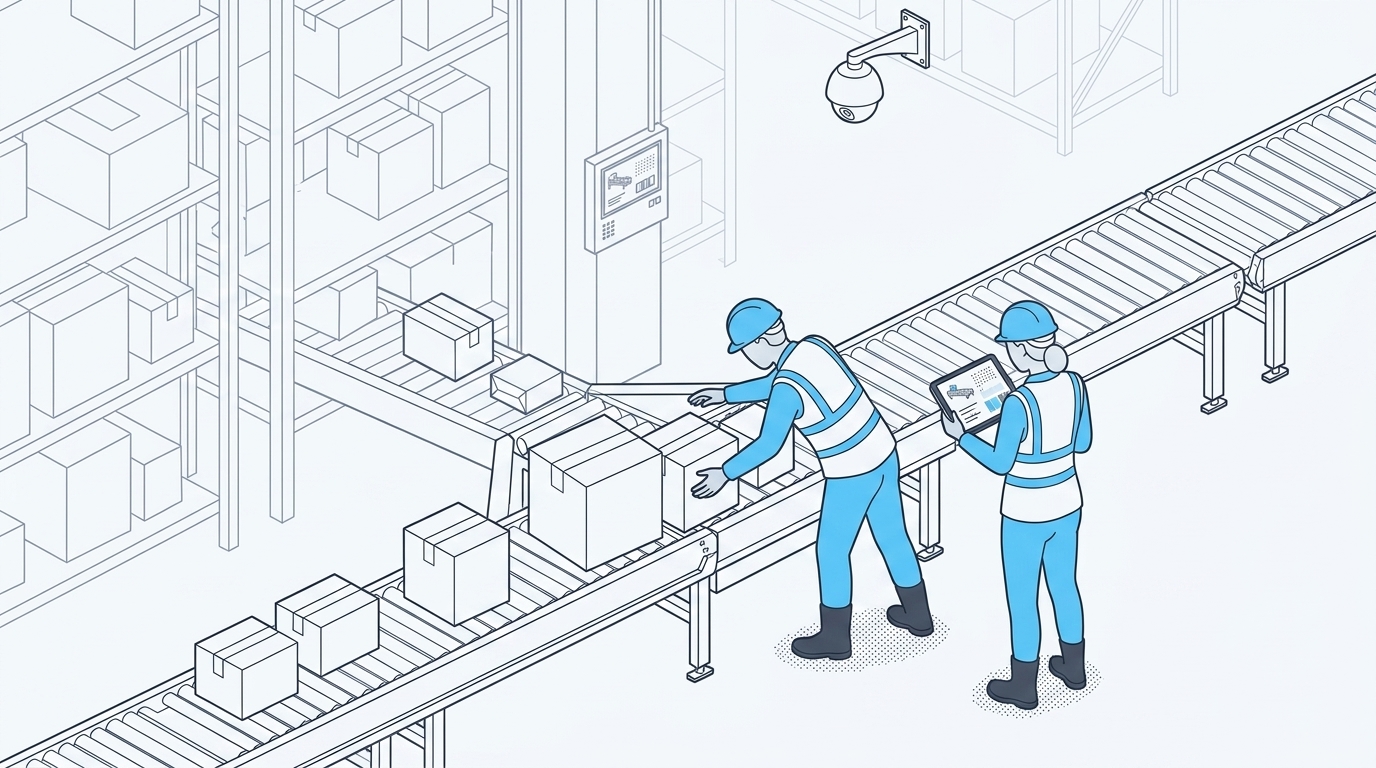
A package jam stops the line and kills throughput. The faster teams can detect the blockage, restore flow safely, and review what happened, the less time they lose to the same failure repeating.
A clear detection-to-restoration workflow combines system timestamps with privacy-preserving visual context to help teams fix the immediate problem and investigate why a specific conveyor section keeps failing.
This article covers:
- A package jam is an abnormal flow interruption, not simply an occupied conveyor zone
- A seven-step response sequence moves a team from detection to a coded, reviewable record
- Combining PLC, WMS, or MES timestamps with anonymized video context connects when a jam happened with the conditions around it
- Grouping repeat jams by zone, shift, and cause turns resolution data into a prevention plan
What Counts as a Package Jam Event
For this workflow, a package jam is an abnormal interruption of product flow. It is very different from an occupied or full conveyor zone. If you treat routine accumulation, staging, or buffering as an incident, your alerts become noisy. That noise delays the response to real problems that need immediate attention.
A jam becomes an event worth flagging when package movement stops beyond the expected dwell time for a defined conveyor zone.
An alert needs a persistence threshold to stay useful. A short pause is often normal conveyor behavior. A package that remains stationary beyond a defined duration in a specific zone is worth reviewing. Detection settings should separate expected accumulation from stopped or blocked flow.
Setting a Persistence Threshold for Alerts
A duration-based rule reduces unnecessary alerts. Setting a timer for no movement in a defined zone works much better than relying on a single presence sensor trigger. One presence reading can't tell the difference between a package pausing during normal indexing and one that is actually stuck.
Threshold tuning is site-specific. There is no universal setting for every line, so each zone needs calibration based on its own operating conditions. The main variables that shape normal versus abnormal dwell time include:
- Belt speed - Faster lines shorten the acceptable pause before movement stops looking like a genuine blockage.
- Package size and profile - Larger or irregular items index differently and change what a normal gap looks like.
- Zone length - Longer zones absorb more accumulation before flow is truly interrupted.
The Seven-Step Package Jam Response Workflow
A jam response works best as a fixed sequence. These seven steps move your team from a raw detection signal to a categorized record ready for review.
- Detect and verify the event.
Outcome: A confirmed jam condition, not a sensor glitch or routine accumulation.
- Notify the accountable owner.
Outcome: A named responder, such as a line lead, maintenance technician, or controller, receives the alert instead of a general broadcast with no clear owner.
- Apply the site-approved stop, guarding, and energy-control procedure.
Outcome: The affected area is made safe before anyone approaches it.
- Clear the jam using the site-approved procedure.
Outcome: The blockage is removed without bypassing required guarding or energy-control steps.
- Restart and confirm flow.
Outcome: Normal flow is verified before the line returns to full rate.
- Log detection and restoration timestamps with video context.
Outcome: A timestamped record ready for review.
- Code the cause and flag it for recurrence tracking.
Outcome: The event is categorized, not just closed.
Flow Stability helps teams detect and review flow disruptions without replacing established PLC logic or site safety controls.
Safety note: Detection and notification do not replace guarding, emergency stops, lockout/tagout, maintenance instructions, or site-approved jam-clearing procedures. Steps 3 and 4 must follow the facility's documented machine-guarding and energy-control procedures.
OSHA lockout/tagout requirements apply when servicing or maintenance exposes employees to hazardous energy. For reference, OSHA publishes detailed control of hazardous energy guidance covering lockout/tagout requirements.
Combining Video and System Data to Find the Root Cause
Operational data from PLC, WMS, and MES systems can show when the flow changed and, depending on the site's system configuration, where the change was recorded. Video context from configured camera zones adds the physical conditions around the event. Joining these sources reduces the investigation gap that slows repeat-jam analysis.
What System Timestamps Show
Depending on the site's instrumentation and system mapping, WMS, MES, and PLC logs can provide timestamps plus equipment, line, or zone references associated with a throughput change.
When those references are available, investigators get a more precise starting point instead of working backward from a broad report of slow flow during part of a shift.
What Video Context Adds Without Tracking People
Protex AI analyzes configured zones using existing cameras. The privacy controls applied to that analysis include:
- Privacy controls are configured for each deployment. Event context can be reviewed in accordance with the deployment's privacy configuration.
- Protex AI does not use facial recognition or identify people.
- Protex does not track people across cameras. Each camera view stands alone.
The system identifies conditions such as congestion, dwell, and blocked lanes within a defined zone, not individual workers.
Anonymized clips tied to the same timestamp as a system alert help explain the physical conditions around an event and support root-cause analysis. A reviewer can examine the recorded conditions instead of relying only on memory or a written note.
Turning Repeat Jams Into a Prevention Plan
Resolution data has more value when teams use it to investigate recurring events. If the same conveyor segment keeps jamming, that pattern warrants review instead of treating each event as isolated.
A structured root-cause review can help teams identify contributing conditions, prioritize the worst zones, and check if corrective actions address the issue.
Flow Stability includes Belt Jam Detection, which helps teams track jam frequency, duration, and recovery time across configured zones and shifts.
Grouping Recurring Causes by Zone and Shift
Coding each jam event by conveyor segment, shift, package profile, and cause category turns incident logs into a usable dataset. Grouped data shows which sections underperform and if the pattern aligns with a particular shift, package type, or time of day.
Verifying That a Corrective Action Worked
A layout change, maintenance fix, routing adjustment, or updated standard operating procedure should be treated as confirmed only after a before-and-after comparison shows improvement. A closed ticket alone is not proof.
The core metrics worth tracking are:
- Detection latency
- Acknowledgment time
- Safe-isolation time
- Restoration time
- Total jam duration
- Recurrence rate
- Units lost
Each site should build its own baseline for these numbers rather than rely on an industry-wide figure for mean time to repair. ISO 22400 provides concepts and terminology for manufacturing operations management KPIs that can help structure this tracking.
Reporting & Integrations can bring operational signals into shared reporting workflows.
Common Questions About Package Jam Detection
How can package jams be detected automatically?
Automated detection combines a defined event condition, a persistence threshold, and a configured alert path. Configured computer vision can assess package movement within a defined zone and trigger an alert when blockage conditions persist. Flow Stability's Belt Jam Detection can flag a blockage within seconds of formation. Results depend on camera placement, zone configuration, and site conditions.
How do you calculate conveyor jam resolution time?
Resolution time is the span from confirmed detection to verified flow restoration. Splitting that span into detection, acknowledgment, isolation, and clearing segments shows where delay occurs, including notification, physical access, or the clearing procedure itself.
What causes repeat conveyor jams?
Several conditions tend to produce the same jam in the same place:
- Undersized accumulation zones that cannot absorb normal variation in flow or spacing.
- Misaligned merges or diverts that create pinch points where packages catch or turn sideways.
- Mixed package profiles that disrupt spacing logic set for a narrower range of sizes.
- Worn rollers, belts, and other mechanical components that drag, slip, or stall under load.
- Upstream or downstream imbalance that pushes more flow into a zone than it was designed to handle.
How can video evidence support conveyor root-cause analysis?
Anonymized clips tied to the same timestamp as a system alert show conditions around an event. A reviewer might see a jammed diverter, fallen package, or overfilled lane. That evidence adds context to the investigation without relying only on memory or a written note from someone nearby.
See the Full Jam Response Workflow in Action
Watching detection, notification, and evidence collection work together on one conveyor line makes the workflow concrete before scaling it across a site.
Protex AI connects existing cameras and operational systems into one workflow rather than replacing PLC logic, guarding, or maintenance procedures. The platform provides a faster path from detection to a documented, reviewable resolution while sites retain their established safety controls.
Watch the two-minute Flow Stability demo to see how Protex detects flow disruptions, line starvation, and belt jams on configured conveyor zones.
Check Out Our Industry
Leading Blog Content
EHSQ industry insights, 3rd Gen EHSQ AI-powered technology opinions & company updates.
.jpg)
.avif)
.avif)