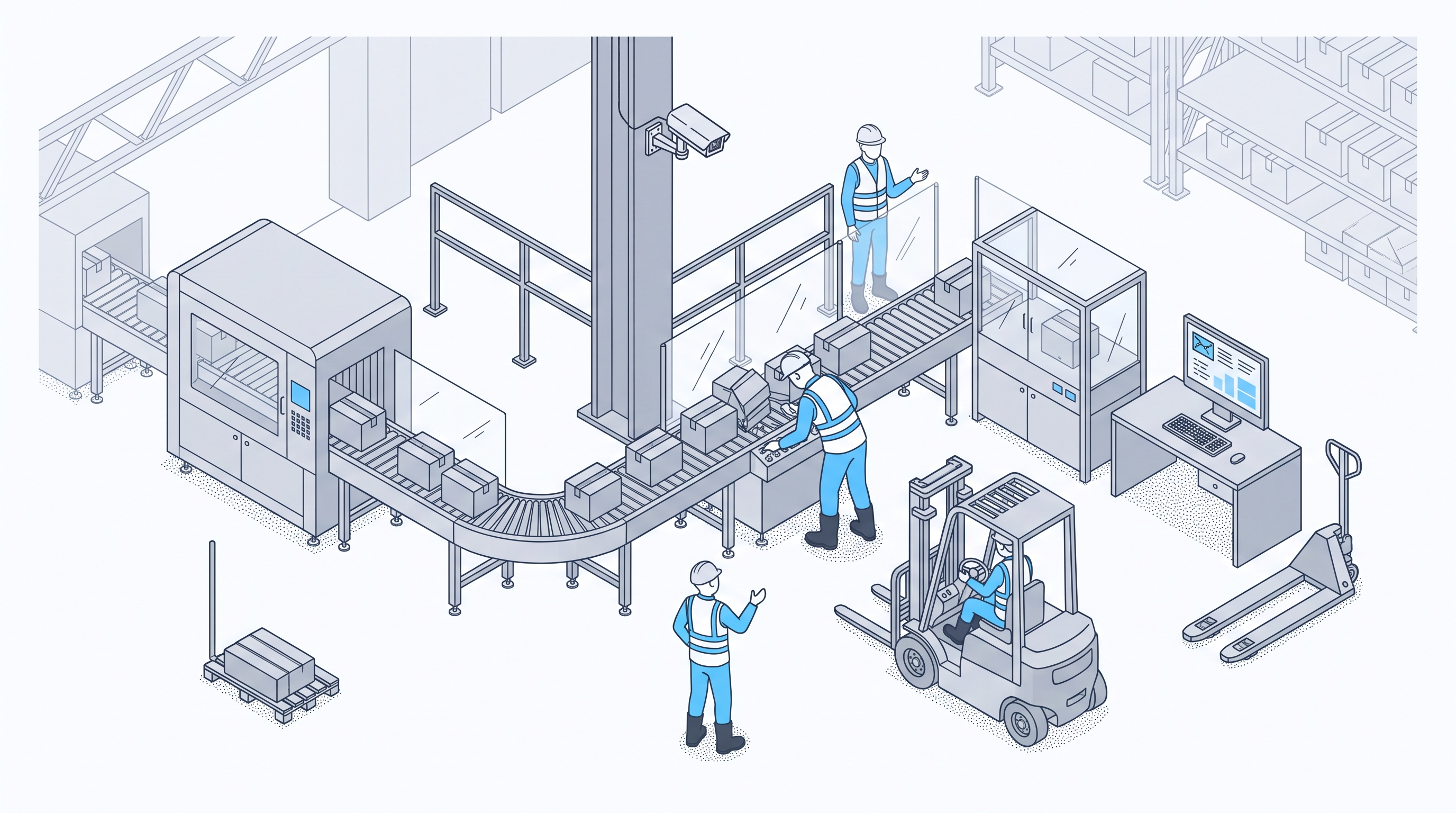
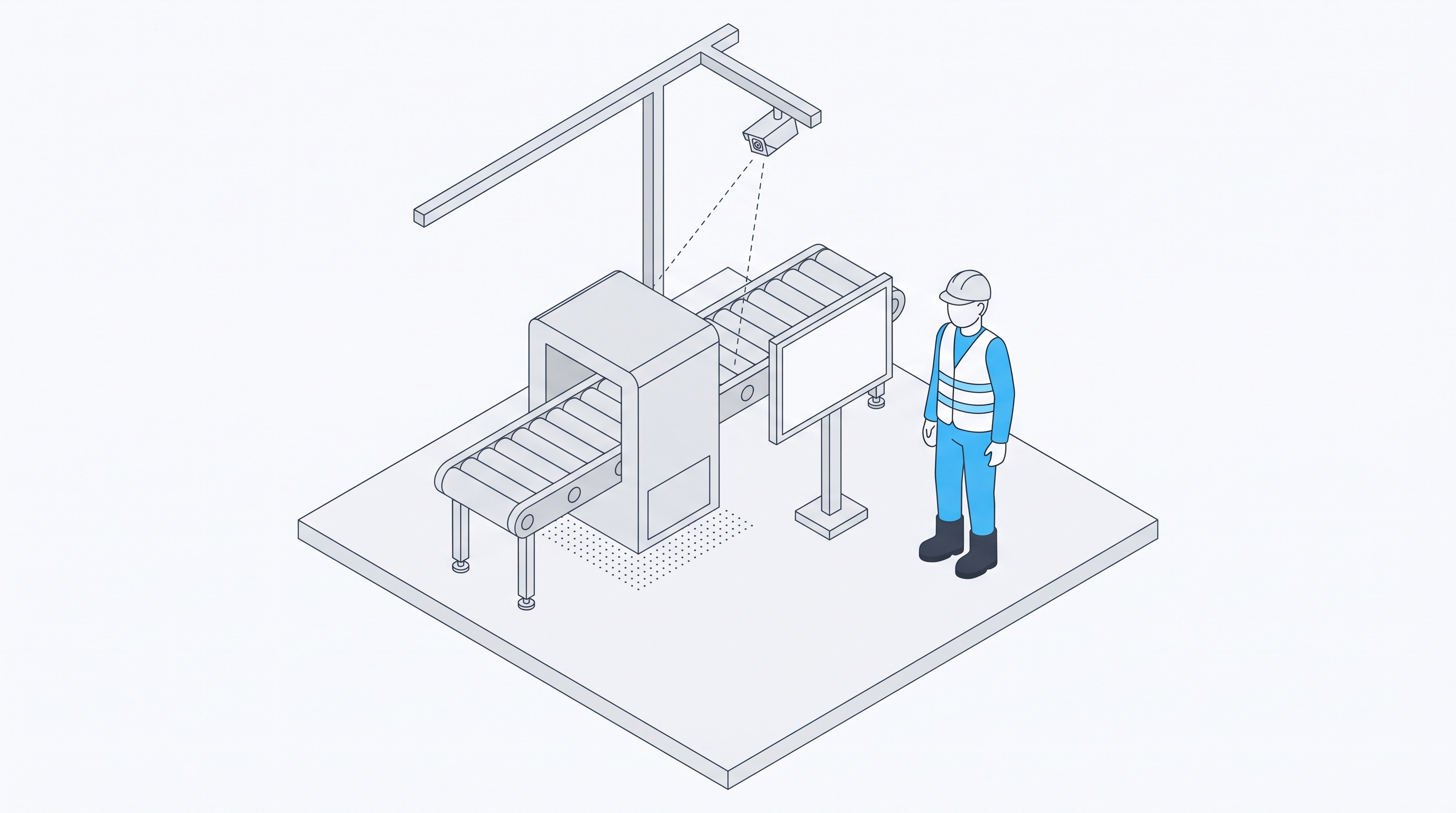
Repeat downtime closes when the team finds the physical cause behind the stop code. Take a stop the manufacturing execution system (MES) keeps logging, match each occurrence to video or floor evidence, and record what actually happened beside the code. Then fix that cause and watch the same station until the stop no longer returns.
The same code tops the weekly downtime report again. Maintenance has repaired the station more than once, the work order says the job is done, and the stop keeps coming back. The method pairs an MES export with video where a camera covers the station, and with a floor walk where none does.
The habits that close repeat stops:
- Build the repeat list from MES downtime data, ranked by count and by minutes lost.
- Align the MES clock with the camera clock before matching any stop to a clip.
- Check several occurrences of each stop, because one clip can mislead.
- Define what "closed" means before the fix goes in.
What Counts as a Repeat Stop
A repeat stop is the same stop code on the same asset or station, returning within a window the team sets. A fast line may need a short one, and an asset that stops a few times a month needs a longer one. Pick the window once and apply it to every repeat on the list.
Planned stops and changeovers sit outside this list. They have their own targets and records, and mixing them in hides the unplanned stops that keep returning. Tracing why an overall equipment effectiveness (OEE) figure fell is a separate job with its own method.
Why MES Stop Codes Alone Stall the Fix
A stop code records a label someone picked from a list. That label can group several physical causes under one name, so a repair aimed at the label may miss the cause that keeps the stop coming back. Common MES downtime tracking problems follow three patterns, and each one keeps a repeat open.
- One Code Covering Several Causes
A code such as "jam" or "material issue" can hide a misfeed, a worn guide, and a change of supplier. Each needs a different fix, and the weekly report shows all three as one bar.
- Long Code Lists and Quick Choices
Operators pick a reason during or right after the stop, often from a long list, while the line waits to restart. The closest option on the list wins, and the report inherits that guess.
- Repairs That Fix the Symptom
When maintenance repairs what the label describes, the stop may go away for a while. If the physical cause stayed in place, the stop returns and the code climbs the report again.
How to Pair MES Downtime Data With Video
The method runs in seven steps: list the repeats, pick one, align the clocks, check several clips, write down what physically happened, choose the fix, and watch for recurrence. The steps build one written record for each repeat, so the team can see what was checked and what changed.
1. Build the Repeat List
Export the stops for the review period from the MES. Group them by code and station, then rank the groups twice: by count and by total minutes lost. A code near the top of both lists is a strong candidate, and a code that returns often for short stops can still cost more minutes than one long breakdown.
2. Pick the First Repeat
Choose one repeat to work on first, weighing total minutes lost, how often it returns, and if a camera covers the station. A repeat with camera coverage and a clear time pattern, such as most stops falling on one shift or one product, makes a good first case. One repeat at a time lets each fix be tested alone.
3. Align the Clocks
Check the MES clock against the camera clock before matching anything. A few minutes of drift sends the reviewer to the wrong clip, and the stop looks as if nothing caused it.
Pick a known event at the station that both systems capture, such as a planned stop, and compare the time each one records. If the clocks differ, set a fixed offset and write it down beside the export.
4. Review Several Occurrences
Pull the clip for each occurrence of the repeat, starting a little before the logged start time, since the cause often sits in the moments before the line stops. Watch several of them before drawing a conclusion. At a station with no camera, a floor walk at the hour the stop tends to happen takes the place of the clips.
Note what happens before each stop: material position, equipment behavior, and any manual intervention at the station. Downtime video analytics can shorten this step by lining up each stop with its footage, and a reviewer still watches each clip.
A clip shows only the camera's view. Anything outside the frame, and the reason behind a manual intervention, comes from the operator and the maintenance technician who were on shift. Reviews stay on stations, shifts, and products, under the site's own privacy settings, so operators can speak freely about what they saw.
5. Record the Observed Cause
Beside the MES code, write the observed physical cause as a short statement, for example "the label applicator misses when the reel nears its end." Keep the code as logged, so the original record stays intact.
When the code and the clip disagree, record both and review them together before anyone changes the code or the code list. A disagreement on one occurrence may be a one-off. The same disagreement across several occurrences points to a code that needs splitting or a list that needs a new reason.
6. Choose the Fix
Choose a fix aimed at what the clips and the floor showed, with the people who own the station: the line lead, maintenance, and the operators who run it. Write down what changed and when, in the same record as the code and the cause.
Confirm the recurrence window before the fix goes in, so the finish line stays where it was set. A fix with no date cannot be tested in step 7.
7. Watch for Recurrence
After the fix, watch the code at that station for the recurrence window set in step 6. The stop counts as closed once the window passes with no repeat. If it returns, go back to step 4 with the new occurrences, since the first cause may have been one of several.
When Records Point to the Cause Before Video
Some repeats give up their cause when records the site already holds are read together, before anyone opens a clip. Downtime codes, cleaning schedules, production plans, and work orders from the computerized maintenance management system (CMMS) each hold part of the picture. Read side by side, they can show a pattern no single record shows.
A global manufacturer from the Beyond the Clipboard whitepaper used Protex AI to analyze downtime codes, cleaning schedules, and production data together. Correlating these previously siloed datasets identified a specific product pair associated with recurring downtime when run back to back.
The manufacturer introduced a cleaning step during the changeover between those products, a change projected to improve yield by 1.32 percent. The order of work holds for any repeat: read the records together first, and open clips for the repeats they cannot explain.
When Video Shows What the Code Missed
Video earns its place when the records agree on when and where a stop happened and still cannot show why. The code repeats, the timestamps line up, and the work order shows the same repair done again. At that point, footage of the moments before each stop is the missing record.
Bendix Commercial Vehicle Systems faced this with an automated work cell that repeatedly struck racks and caused frequent stoppages. Continuous video showed how often the strikes happened and how much daily cleanup followed, and that evidence justified a permanent fix. The published Bendix case study puts the result at more than 10 labor hours recovered per day.
Protex's manufacturing downtime analysis software works as an intelligence layer on top of the MES and other site systems, so stops and footage can be read side by side. It runs on cameras already in place, with a secure edge device on site. Each organization sets its privacy controls to its own policies, legal requirements, and workforce agreements.
Keep One Closure Record per Repeat Stop
Repeat downtime stays closed when every repeat has one written record, kept with the MES data and reviewed until the stop is gone. The record gives the team a shared definition of done and shows which fixes held.
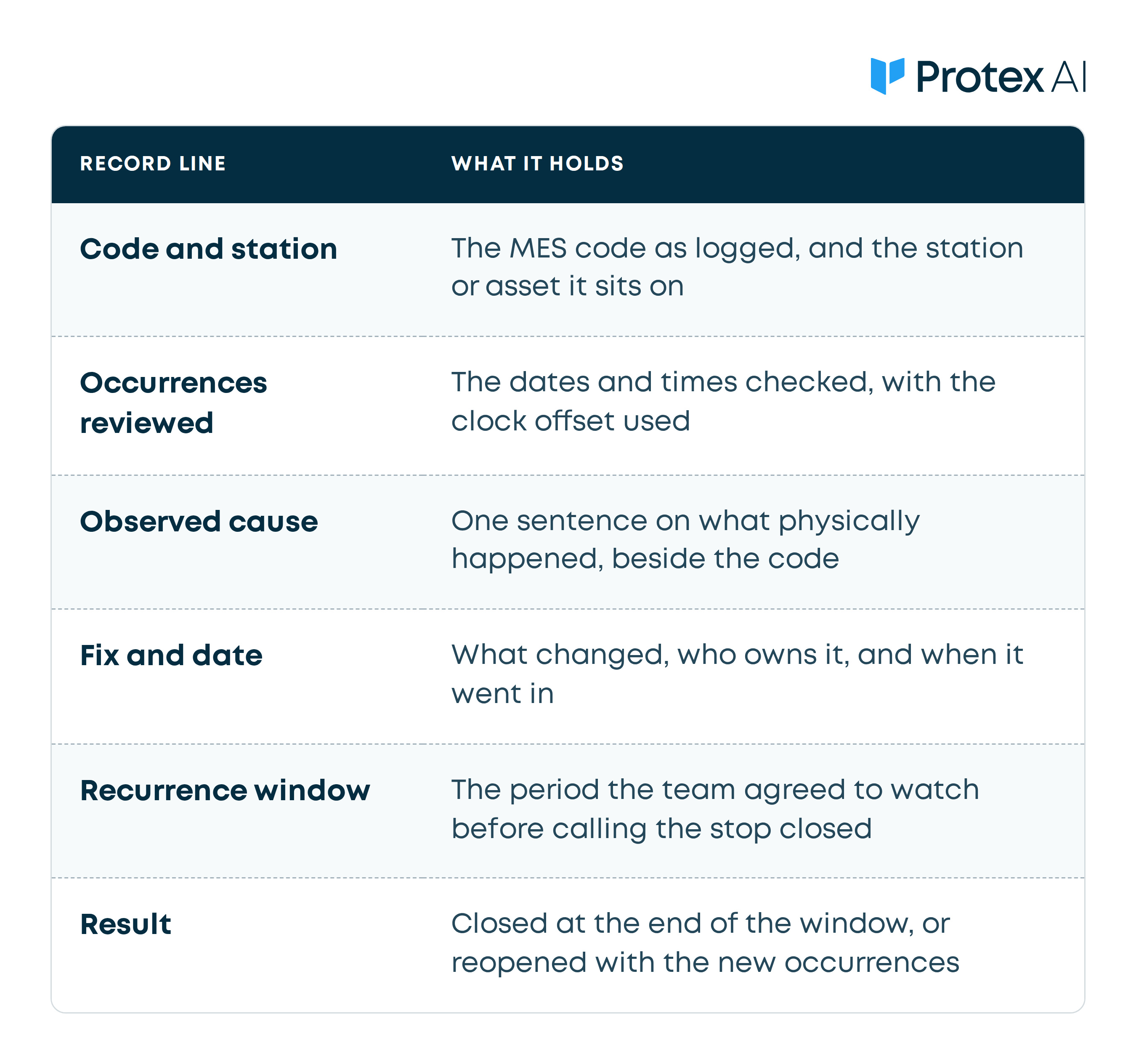
Review open records at a fixed meeting, such as the weekly continuous improvement review, so each repeat stays visible until it closes. Closed records stay on file, so a stop that returns next quarter starts from what the team already knows.
Each line in the record holds a team decision. Software can help teams find likely causes faster by putting the right clip beside the right code.
Common Questions on Repeat Downtime
Does a Team Need an MES Integration to Start?
No. A team can start with an export of stop records from the MES and match timestamps to clips by hand, as long as the clocks are aligned. A direct connection through MES integrations saves review time as the number of repeats grows.
What Separates a Micro-Stop From a Repeat Stop?
A micro-stop is a very short stop, often below the logging threshold, so it may never get a code. A repeat stop is a coded stop that keeps returning at one station. Short stops call for a different first step: getting them counted at all, before anyone can rank or review them.
How Long Should the Recurrence Window Run?
Long enough that the stop would have returned at its old rate. A stop that came back about once a week needs several weeks of clean running to prove the fix, while one that returned several times a shift can be judged within days.
Watch the Platform Before the Next Repeat Review
A team deciding if camera evidence belongs in its repeat downtime work can start with a short look at the platform. The two-minute Protex AI demo gives a high-level overview of how it works.
Check Out Our Industry
Leading Blog Content
EHSQ industry insights, 3rd Gen EHSQ AI-powered technology opinions & company updates.